
Table of Contents
Use Active Clients by Pass Type to see who currently holds each pass, with expiry dates, remaining credits, and last visit. Handy for capacity planning and pass mix.
Open the report #
Where: Reports → Active Clients by Pass Type
- Open Reports.
- Click the Active Clients by Pass Type tile (or View report).

You can also click Open Clients to jump to the full Clients list.
Summary and pass groups #
At the top:
- Total Active Clients
- Total Pass Types
Below that, each pass type is a group showing how many active clients hold it, average credits remaining, how many are expiring within 7 days, and total list-price value when available.
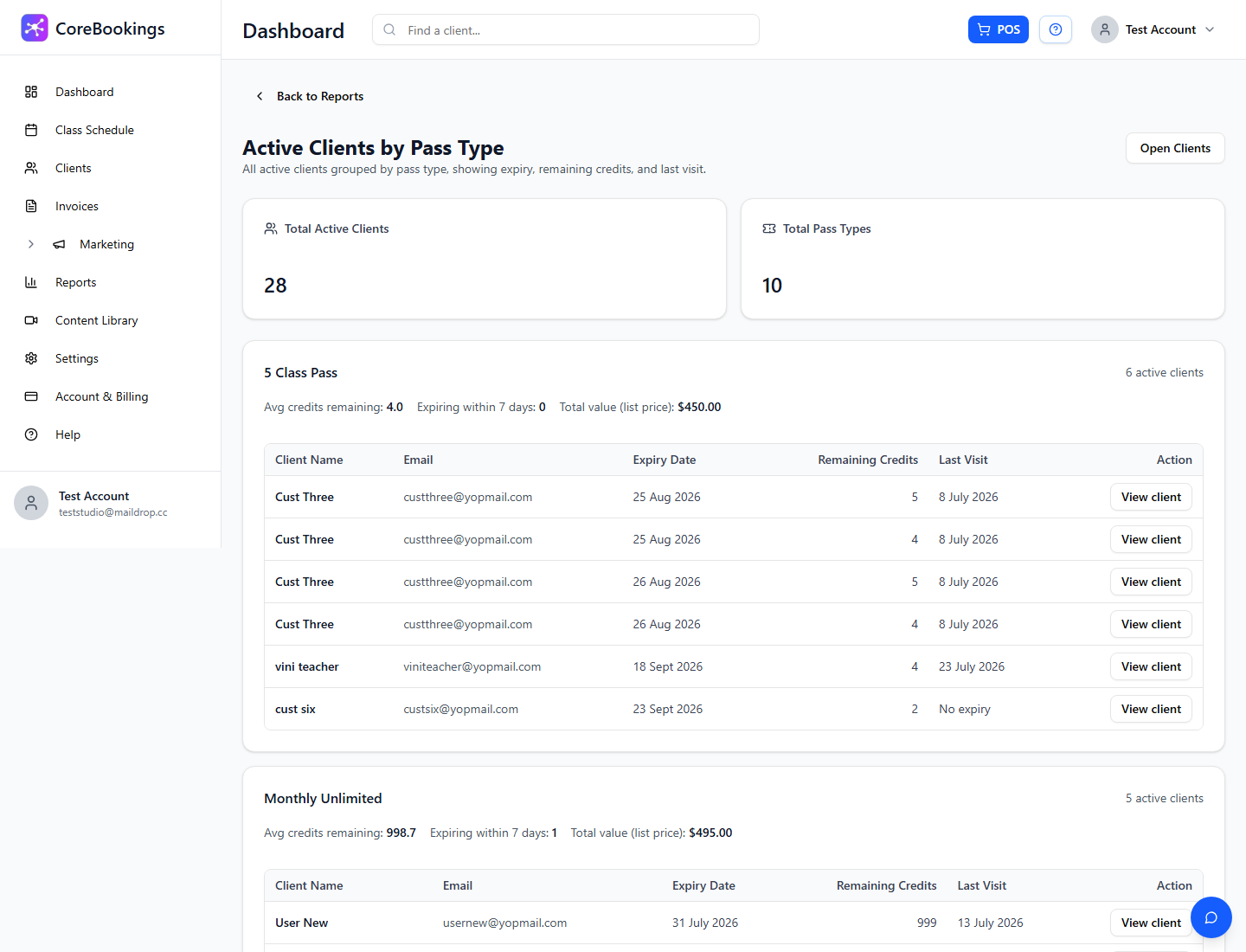
Client details #
Inside each pass group, the table shows:
- Client Name and Email
- Expiry Date
- Remaining Credits (or unlimited)
- Last Visit
- Action — open the client profile


