
Short answer #
CoreBookings does not integrate with Square as an online payment processor. Online card payments run through Stripe. You can still use a Square card reader for in-person walk-ins and record the sale in CoreBookings separately.
- Online bookings and app purchases — processed by Stripe through CoreBookings
- In-studio walk-ins — you can take payment on a Square terminal (or cash) outside CoreBookings, then record the pass sale in the dashboard
CoreBookings cannot connect to your Square account the way it connects to Stripe.
Online payments use Stripe #
When clients pay online — for example when they buy a pass or membership in the CoreBookings mobile app, on your website widget, or through workshop checkout — the card payment is processed by Stripe.
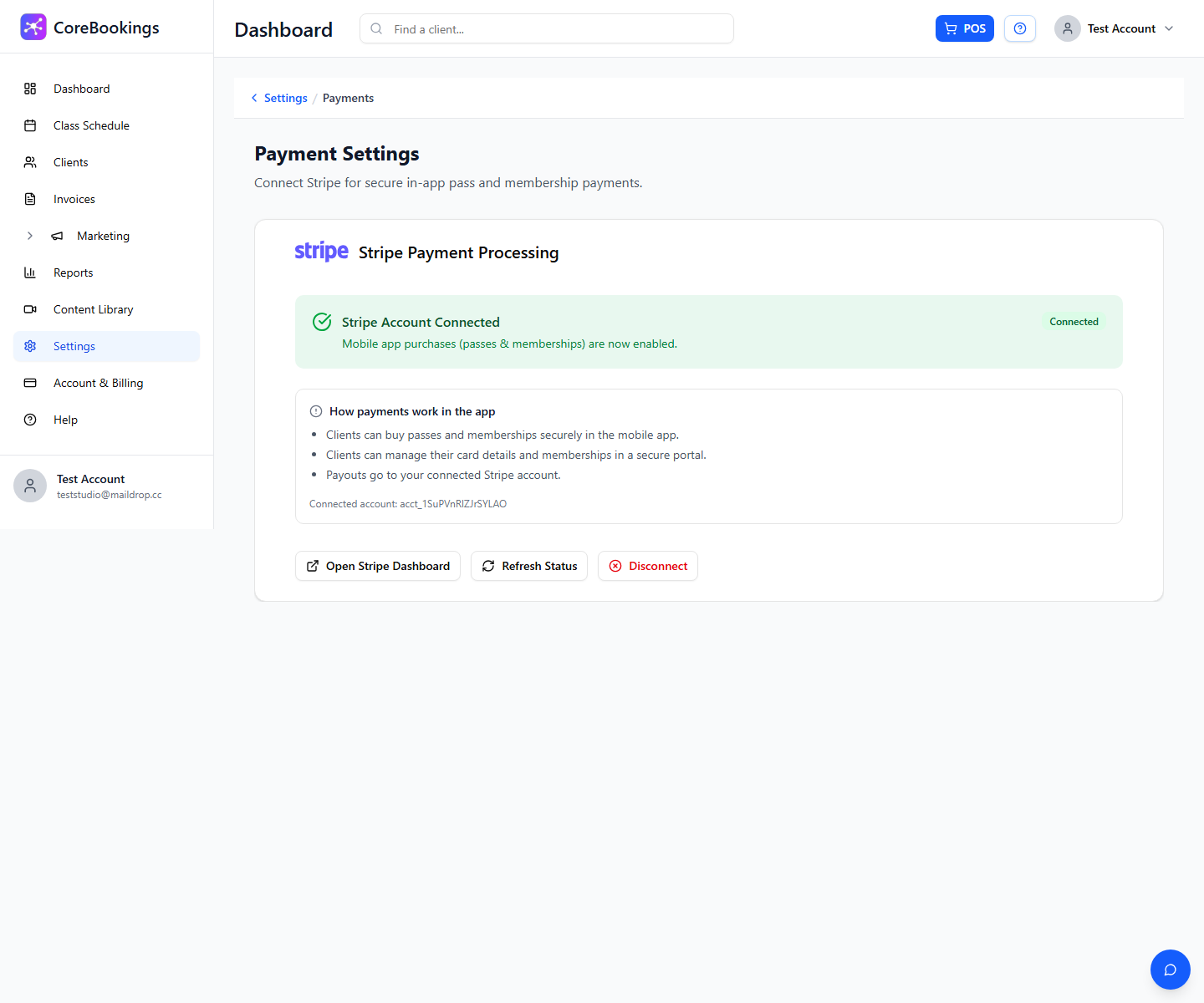
Connect Stripe under Settings → Payments:
- Open Settings in the studio dashboard.
- Go to Payments.
- On the Payment Settings page, click Connect Stripe Account and complete Stripe onboarding.
Once connected, funds from online sales are paid out to the bank account linked in your Stripe account.
Recurring memberships are also billed through Stripe. They are not designed for automatic billing through Square or cash-only renewals.
In-studio walk-ins and Square #
Many studios keep a Square terminal at the front desk for walk-in card taps. That still works alongside CoreBookings.
When a walk-in pays on your Square reader:
- Take the card payment on Square as you do today.
- In CoreBookings, open the client profile or class and use POS / Sell pass to record the sale.
- Choose a manual payment method such as Cash, EFTPOS, or External (for payments taken on an external terminal such as Square).
This keeps your client’s pass balance and attendance records accurate in CoreBookings, even though the card swipe happened on Square.
You can also charge walk-ins through CoreBookings directly by selecting Stripe in POS, if Stripe is connected.
Note: Square and Stripe are separate systems. Payments taken on Square do not automatically appear in CoreBookings unless you record them in the dashboard.
Related help #
- How to disconnect my Stripe account from CoreBookings
- How to start taking client bookings
- Getting started: guide to set up your account
Need help choosing a payment setup? Email support@kriya.com.au.


