
If you are moving to CoreBookings from another booking system, our team can import your active clients and remaining pass balances for you. There is no self-serve import tool in the studio dashboard.
Short answer #
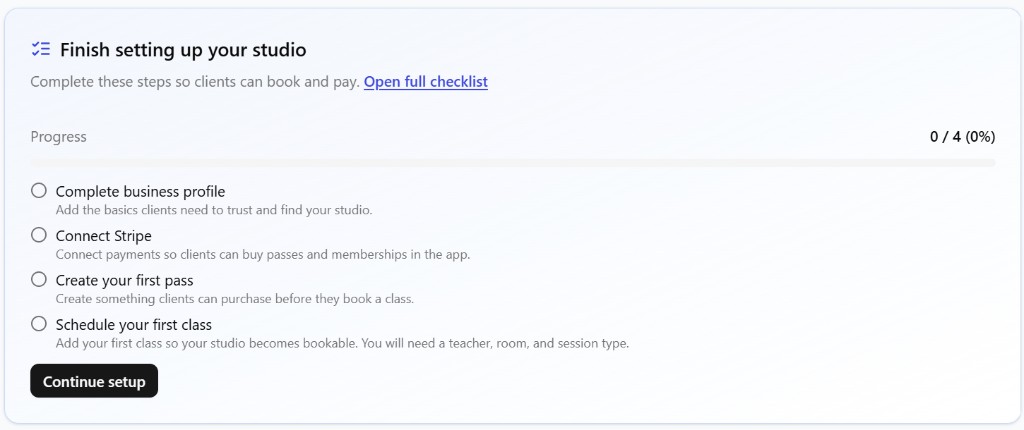
- Finish your CoreBookings setup (passes, classes, Stripe, and a paid subscription).
- Prepare a spreadsheet of active paying clients with remaining visits.
- Email it to support@kriya.com.au at least 3 working days before you need the import live.
Before you request an import #
Complete these prerequisites first so imported passes match your studio catalogue:
- A CoreBookings account on a paid subscription
- Studio settings configured (business details, locations, teachers)
- Your passes and memberships created under Settings → Passes (names should match the pass names in your spreadsheet)
- Stripe connected under Settings → Payments (if you take card payments)
You can go live and take new bookings while migration is in progress. Clients who are not imported can still register with your booking link.
What to include in your spreadsheet #
Export active clients from your current system into a CSV or spreadsheet. Include at least:
- First name
- Last name
- Email address
- Pass name (must match a pass in Settings → Passes)
- Visits remaining (for limited visit passes)
- Expiry date (if applicable)
Optional columns that help: phone, date of birth, address, notes, and emergency contact.
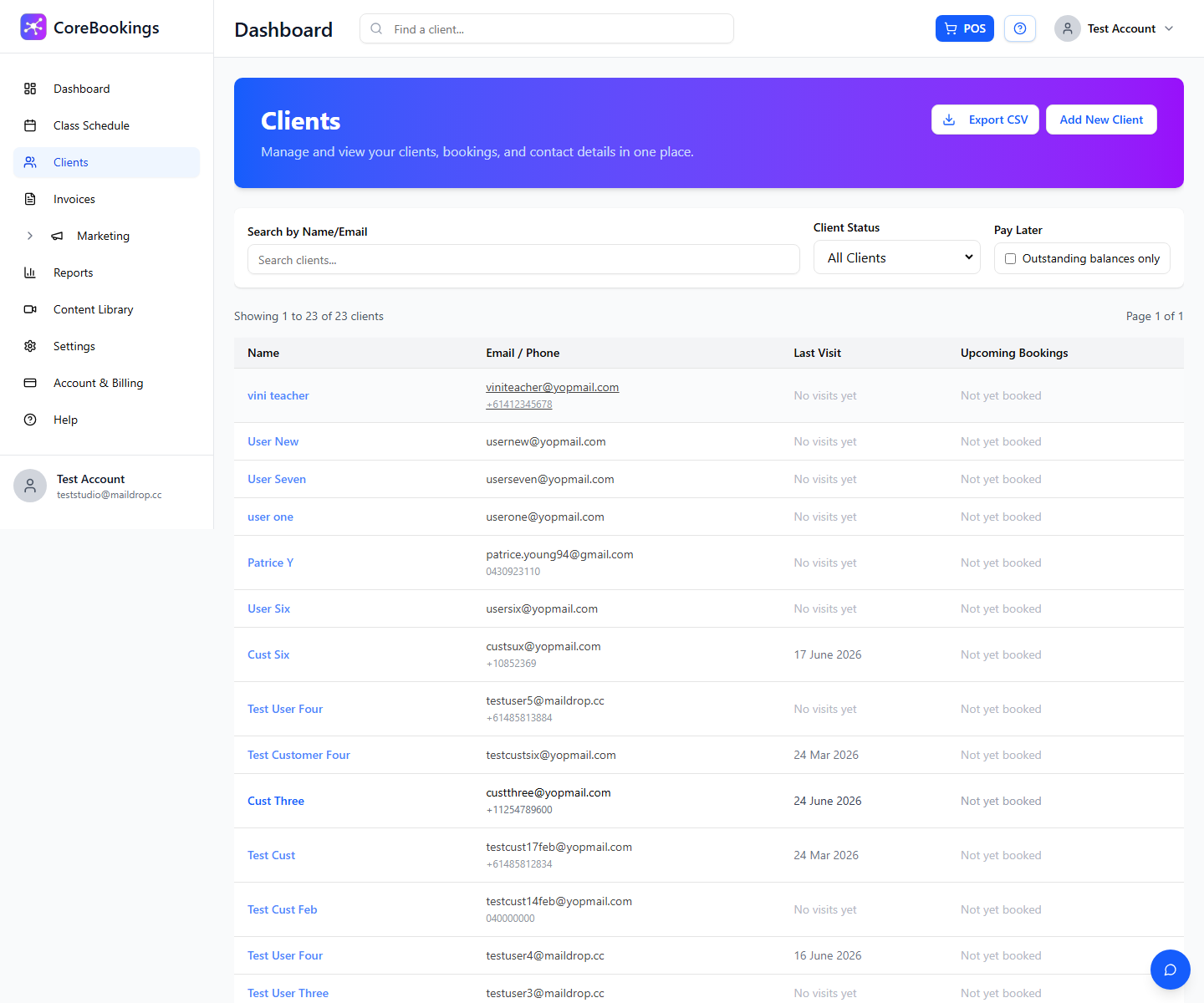
Who gets imported: typically clients with visits remaining or an active paid membership. Other clients can create a new account using your booking page.
If you cannot compile the spreadsheet, email support@kriya.com.au and we will help.
How to send it #
- Email your spreadsheet to support@kriya.com.au.
- Include your studio name and the date you want the import live.
- Send it at least 3 working days before that date.
Coming from MindBody? See Exporting and importing from MindBody Online for which reports to use.
Fees #
Client and data migration is free and included with all CoreBookings plans. Our team runs the import for you.
After the import #
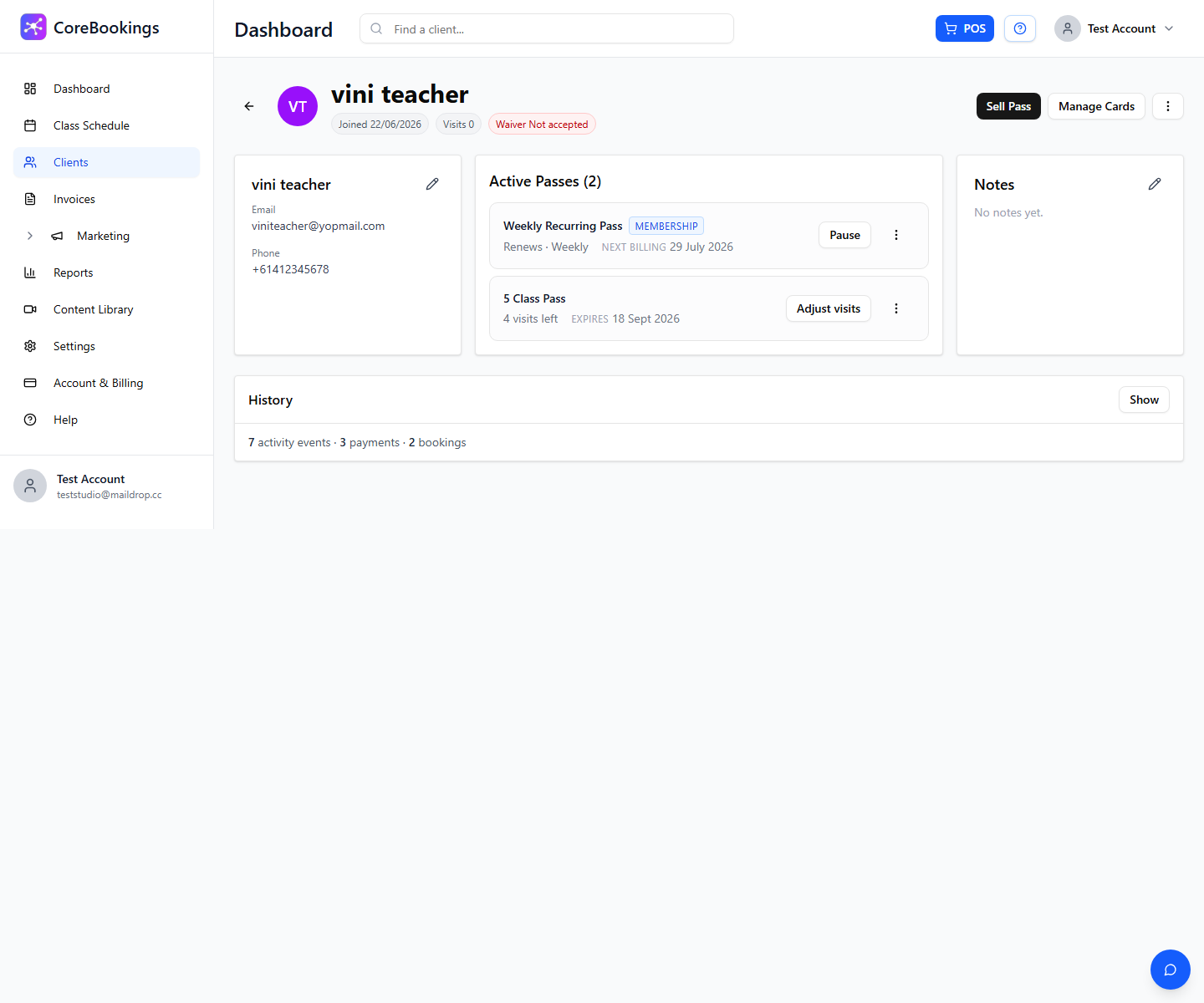
- Open Clients and spot-check a few imported profiles and Active Passes.
- Confirm pass names and visits remaining look correct.
- Ask a test client to sign in to the CoreBookings app (they may need a password reset email the first time).
Past class attendance from your old system is not usually migrated. Clients book upcoming classes on your new CoreBookings schedule.
Related help #
- Exporting and importing from MindBody Online
- Getting started: set up your account
- How long does it take to go live?
- Managing customers
Need help? Email support@kriya.com.au.


