

Pilates Certifications in Australia: How to Choose the Right Course
How to choose a Pilates certification in Australia. Compare PAA diplomas, PAA-approved courses, and AUSactive Fitness Pilates before you enrol.
Practical how-tos for running and growing your studio.
How to choose a Pilates certification in Australia. Compare PAA diplomas, PAA-approved courses, and AUSactive Fitness Pilates before you enrol.
Practical name ideas and a free generator for mat and reformer studios. Modern, searchable names for Australian owners, plus domain and trade mark checks.
Online yoga classes have completely transformed the way people practice wellness. You no longer need to commute to a studio, adjust your schedule, or miss sessions due to travel or work commitments.
Benefits of Taking Online Yoga Classes at Home: Let’s understand why online yoga classes are growing so fast.
Practising yoga at home offers:
For many people, this convenience leads to more regular practice, which means faster results.
With platforms like Microsoft Teams, you can now attend live, interactive yoga classes from home while still enjoying guidance from professional instructors and the motivation of a group.
If you’re wondering how to take online yoga classes with Microsoft Teams, this detailed guide will walk you through everything, from setting up your device to joining classes smoothly and getting the most out of every session.
Also, find which is best to use – Google Meet, Zoom Or MS Teams?
While Microsoft Teams has over—320 million daily active users—as of 2026, though not as popular as Zoom. But first, let’s see how Teams works as an alternative to the bygone Skype.
Whether you’re a beginner or an experienced yogi, this step-by-step approach will help you build a consistent, comfortable, and effective virtual yoga practice.
When people think of Microsoft Teams, they often associate it with office meetings. But it’s actually one of the best platforms for live online yoga classes because of its reliability, video quality, and ease of use.
Here’s why many yoga studios and instructors now host classes on Teams:
1. Stable Video & Audio: Microsoft Teams offers strong video performance even on moderate internet connections. This means fewer interruptions during your yoga session.
2. Live Interaction: You can see your instructor, receive real-time cues, ask questions, and even get alignment feedback — just like an in-person class.
3. Works on Any Device: Teams work on:
This flexibility makes it easy to practice yoga anywhere.
4. Easy Scheduling: Classes can be added directly to your calendar with one click. You’ll never forget a session again.
5. Secure & Private: Sessions are invite-only, keeping your class environment safe and distraction-free.
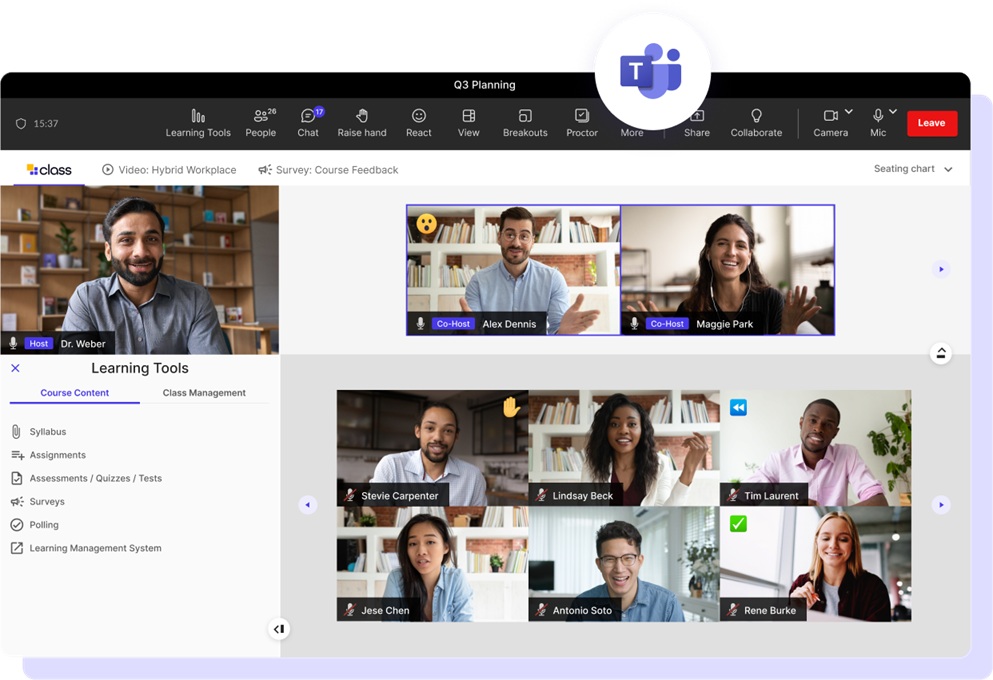
Let’s break it down into simple steps so you can get started today.
Step 1: Download Microsoft Teams
First, install the Microsoft Teams app.
You can:
Using the desktop or mobile app gives the best video experience.
Create a free Microsoft account if you don’t already have one.
Step 2: Choose how you want to run your class
Teams gives you two good formats if you are a yoga teacher:
Use this for:
Students can talk, ask questions, and you can see everyone.
Use this for:
You control mics/cameras more easily.
Step 3: Set Up Your Yoga Space
A comfortable environment improves your focus and safety.
Choose:
Place your mat horizontally facing your device.
Optional items:
Step 4. Schedule your class
Now you can:
Guide to Stream Yoga Classes on Smart TV
Step 5: Adjust settings for yoga classes (important)
Before class:
Click Meeting ? Meeting Options
Set:
This avoids noise and interruptions during practice.
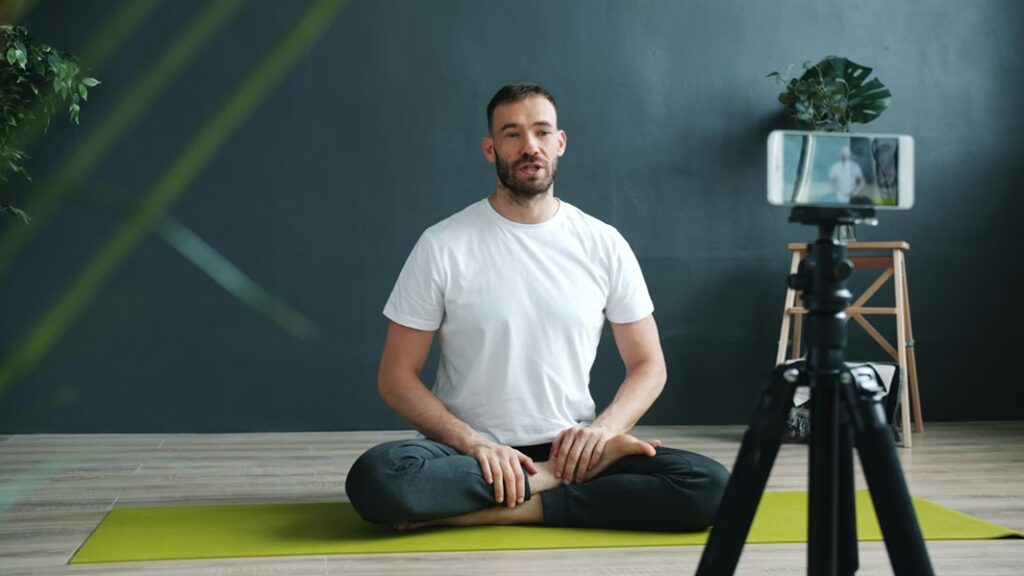
Step 6: Position Your Camera Properly
Camera setup is very important in virtual yoga classes.
For the best experience:
This helps the instructor observe your alignment and guide you safely.
Students must hear you clearly.
Good:
Better:
Avoid:
Step 7. Running the class smoothly
Step 8. Taking payments + sharing links
Teams doesn’t handle payments directly.
You’ll need:
Common flow: Student books ? payment confirmed ? auto email with Teams link
Most instructors offer a variety of styles online.
Popular options include:
Finally, choose the style that matches your goals.

When you teach yoga online, the platform you choose affects:
Let’s see how Microsoft Teams, Zoom, and Google Meet compare for these needs
If your focus is maximum simplicity for students, Zoom and Google Meet may have an edge here.
| ZOOM | Zoom is generally considered the easiest to use, especially for beginners and casual users. Joining a meeting is straightforward — click a link and enter, without needing a registered account. This simplicity is why Zoom became the go-to choice for many online teachers early on. |
| Google Meet | Google Meet is also simple, especially if students use Gmail or Google Calendar — meetings can be joined without app installs via browser. Its minimalist interface makes it easy for beginners. |
| MS Teams | Teams has a steeper learning curve due to its richer interface and features. It’s not initially as intuitive for new users, especially those familiar only with simple video calls. |
This is crucial for online yoga because students need to clearly see poses and interact.
Zoom is great for interactive features, Teams balances video with collaboration tools, and Google Meet is more basic.
| ZOOM | Excellent video quality and performance even on lower bandwidth Polls, breakout rooms, whiteboards, and annotation tools (very helpful for group classes and workshops) Remote control and screen sharing are strong tools if you teach sequences, slides, or videos during class |
| Google Meet | Basic screen sharing and layout controls Does not have breakout rooms or robust whiteboard tools without third-party add-ons |
| Microsoft Teams | Screen sharing and collaborative whiteboard via Microsoft Whiteboard Offers Together Mode and various layout options that can make group classes feel more connected Integrates meeting chat, notes, and recording — useful for yoga classes and content sharing afterward |
Most online yoga classes are small to medium groups, but it’s worth knowing limits. For longer classes without interruptions, Teams (with a paid subscription) and Zoom are better than Google Meet’s free limitations.
| ZOOM | Free tier: ~100 participants, 40-minute limit unless upgraded Paid plans remove time limits and allow larger groups — great for longer sessions or workshops |
| Google Meet | Free version allows up to ~60-minute meetings (varies by plan) Paid plans extend duration and participant counts |
| MS Teams | Free meetings commonly allow 60 minutes Paid Microsoft 365 plans enable sessions up to ~30 hours and larger group events — ideal for longer yoga programs or events |
Security is important not just for businesses as it matters for the privacy of class participants too. Teams stands out if security and privacy are top priorities, especially for paid classes and registered students with accounts.
| MS Teams | Microsoft Teams offers strong enterprise-level security, multi-factor authentication, and integration with Microsoft 365 compliance tools |
| ZOOM | Zoom has vastly improved its security over the years with waiting rooms, passcodes, and encryption. |
| Google Meet | Google Meet uses Google’s secure infrastructure and encryption in transit |
If you run a structured class schedule with recurring sessions, Teams and Zoom provide stronger scheduling features; Google Meet works best if you’re already in the Google ecosystem.
| MS Teams | Deep integration with Microsoft 365 — Outlook, calendar invites, Teams scheduling, shared files, and chat Helpful if you also share yoga plans, notes, or recordings as a business. |
| ZOOM | Easy scheduling and calendar integration with Google, Outlook, and others Can automate links with scheduling tools like Calendly or fitness platforms. |
| Google Meet | Seamless calendar integration with Google Workspace — very convenient if your students use Gmail/Google Calendar |
For interactive teaching, like providing feedback on posture or managing student audio and some platform features matter more. Zoom may offer easier in-class controls, but Teams shines when you want collaboration before, during, and after class.
| ZOOM | Quick and intuitive host controls Breakout rooms help segment students for smaller group coaching Annotation and screen sharing allow creative lesson plans |
| MS Teams | Persistent chat, co-editing, and collaboration tools add value beyond class time Allows document sharing and content management inside the platform. |
| Google Meet | Simpler but without advanced classroom controls unless linked with other tools |
| Category | Best Option |
|---|
| Ease of Use (for students) | Zoom / Google Meet |
| Interactive Teaching Features | Zoom |
| Integrated Classroom & Collaboration Tools | Microsoft Teams |
| Security & Privacy | Microsoft Teams |
| Longer Class Duration | Teams / Zoom (paid) |
| Simple Free Solution | Google Meet |
How to use Zoom for yoga classes
No single platform is universally —best— as each excels in different areas:
Your choice depends on your teaching style, class size, budget, and how much integration you want with scheduling or collaborative materials.
Finally, Learning taking online yoga classes with Teams or with Zoom is simple, convenient, and incredibly rewarding. With just a device, internet connection, and yoga mat, you can enjoy professional instruction, community support, and the full benefits of yoga, right from your home.
Mantras help your soul get connected with the supreme power or the creator of beings and to seek HIS blessings. Mantras act as a divine prayer to heal, to forgive, to love, to nourish and to attain salvation after death.
Also be it small yoga business owners or large ones you are concerned about covering yourself and your business from errors, egregious posts, and unsuitable hashtag appropriation. Choosing suitable professional indemnity insurance or public liability insurance does help but you need to find the right online policy or online insurance that covers the risk of offering yoga classes through social media channels.
You need to list your Yoga studio business to a public platform online so that people come to know of your business and avail your services.

As Pilates are simple workouts that help you build your core muscles and tone your body, Pilates reformer machines are those machines where you can perform certain movements to recover from an injury and basically help in rehabilitation.

Though you can minimize your exposure to these germs and keep your practice clean and hygienic on yoga mats, you need to think which yoga mat is best for you at the time of COVID19.
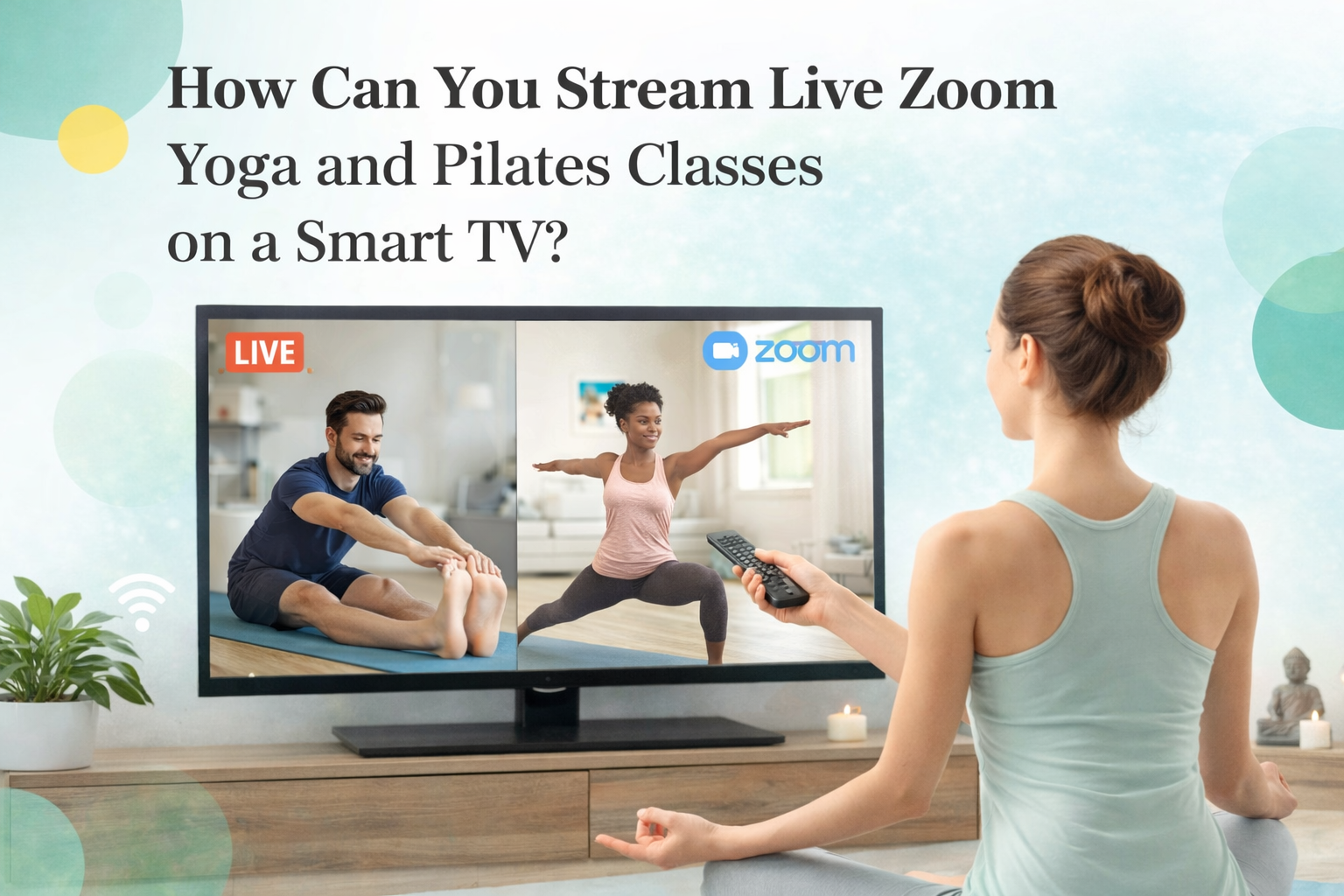
Yoga and Pilates Online Classes using Zoom is now a trend among many yoga teachers. Find here how to get started and what all you need to stream a live online class using Zoom.
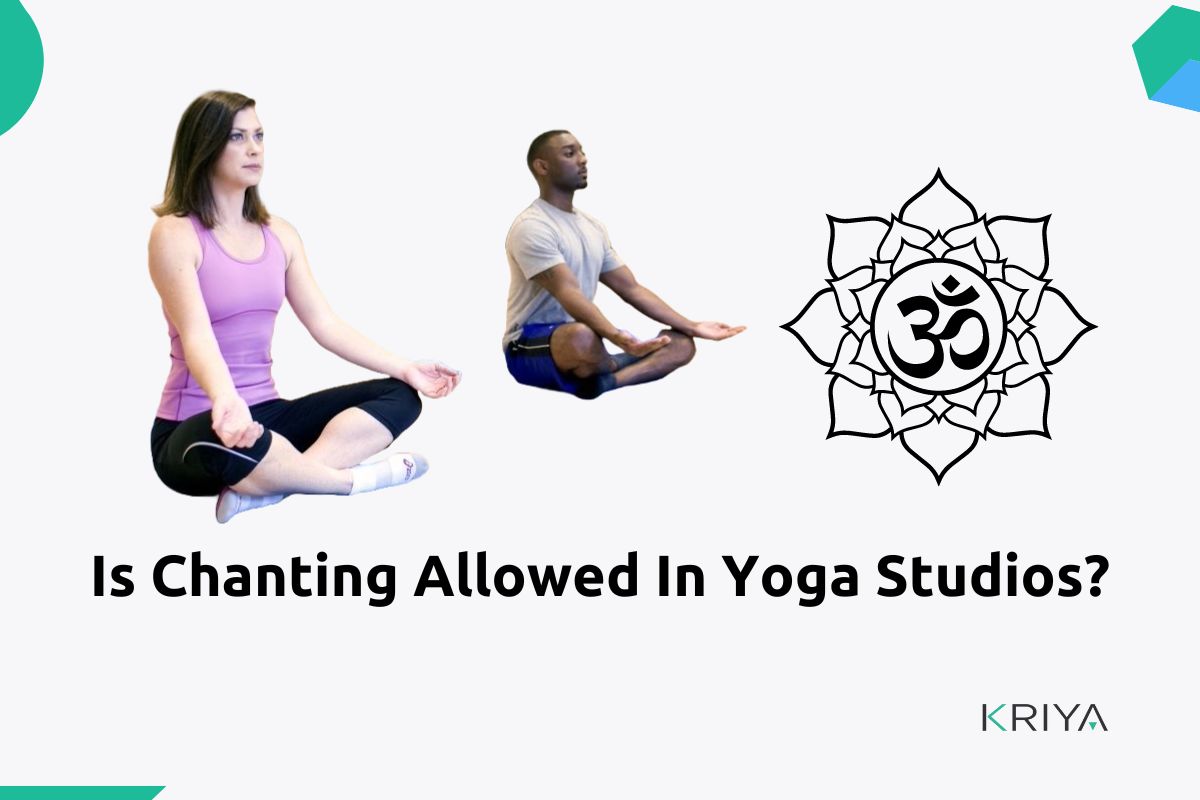
If you are taking a meditation class where chanting is necessary, then the best alternative is to hear chants rather than speaking it out. Because sound heals the body and relaxes the nervous system.
Hot Yoga is a type of Bikram or Vinyasa Yoga or that yoga where you do exercise in a warm and heated studio so that you sweat and release your body toxins.
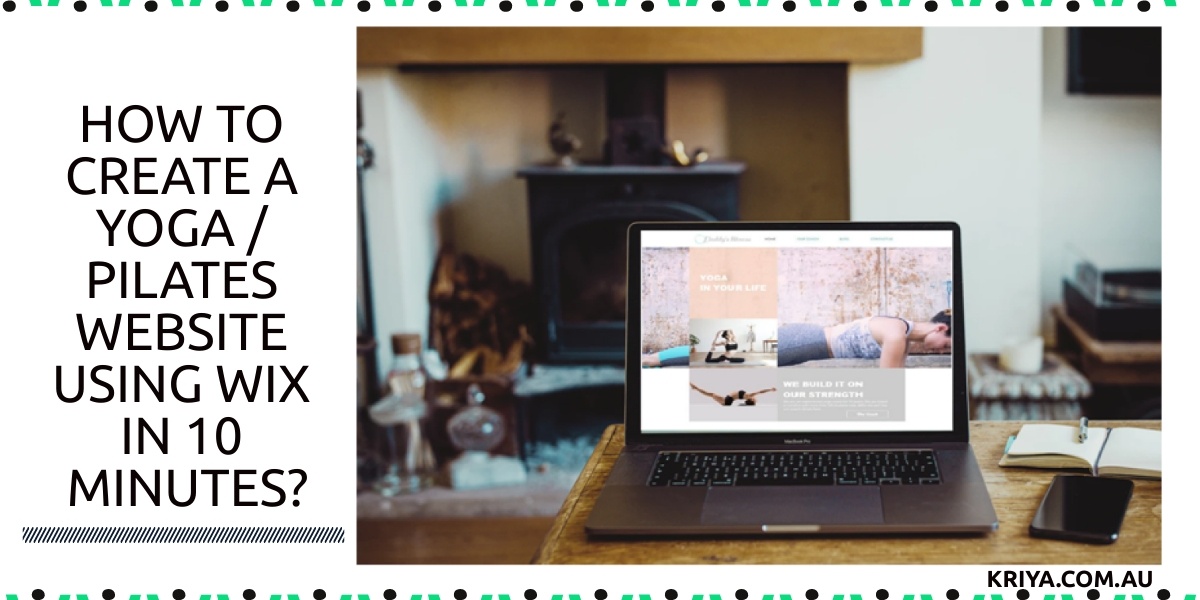
You can choose to opt for custom text and images for your Yoga studio site by letting Wix ADI center to create a website for you or choose one from the template and fill in your text and images thereby creating your own stunning website in the Editor.

The sound system in a yoga class enhances the subconscious state of mind and aims to put the students in a state of relaxation. When your mind is in a state of rest your body and soul are calmed simultaneously.— Many yoga teachers use the traditional methods of the sound system like singing bowls, harmoniums, gongs, string instruments, drums, bamboo flutes, conch shells, cymbals, and many more.
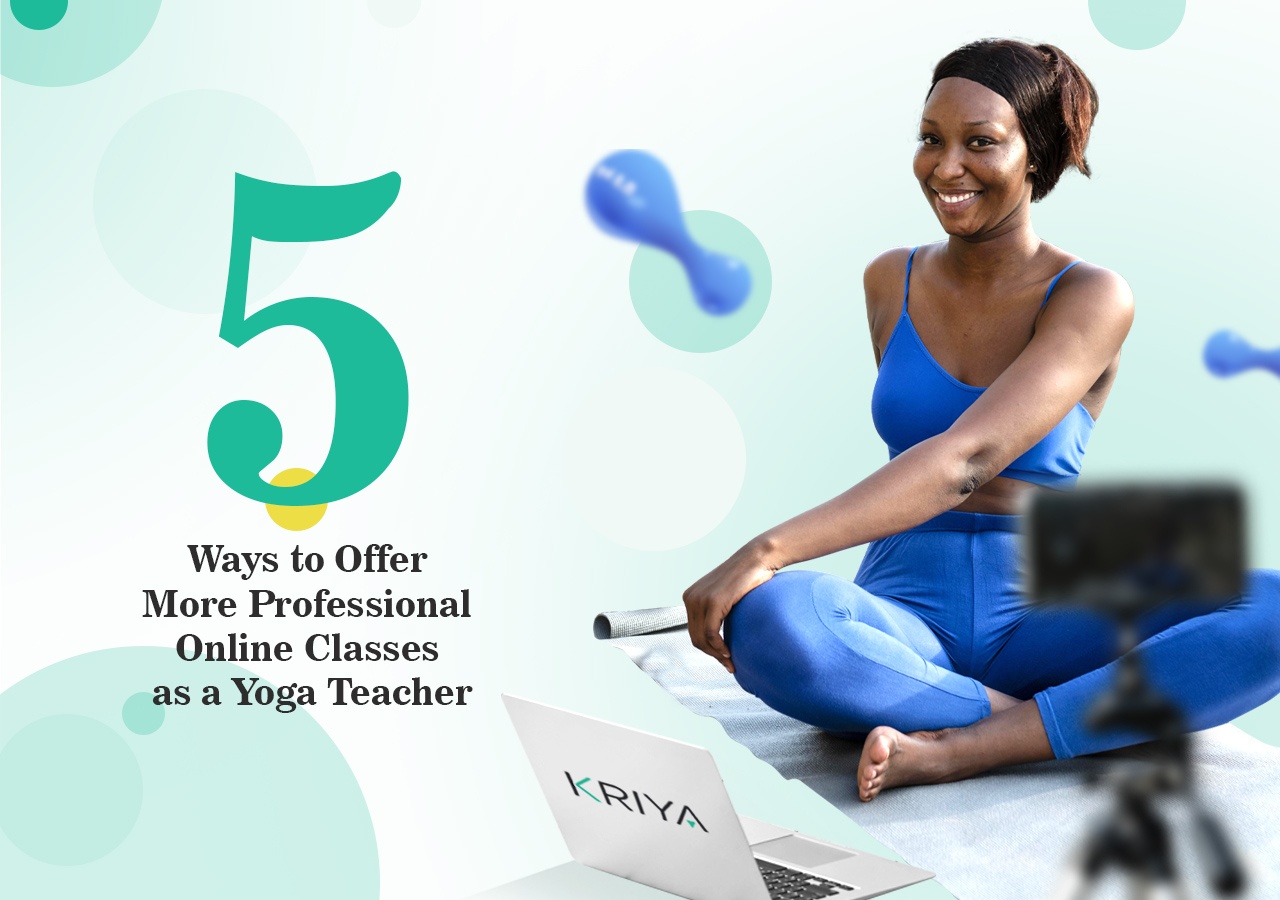
Online yoga classes have become a huge part of our offerings as yoga teachers. Even before the pandemic many teachers were beginning to expand their offerings online to reach outside their local communities. It is a wonderful way to connect.
It is reported that about 91 million subscribers will utilize live streaming by 2024 and Live streaming topped 1.1 billion hours in 2019. After watching a video, 64% of your students are more likely to join your yoga class online.

To prepare a lesson plan or a sequence for a yoga class you first need to find out which type of yoga class you want to teach. Like Vinayasa yoga sequence might differ from your Iyengar Yoga. Similarly how to teach each yoga pose might have a different sequence to follow.

Yoga retreats not only takes you to visit new places and travel around but also relaxes your body, freshen ups your mind and uplift your soul. Just imagine how calm it would be to leave the busy city life for few days and mediate and do yoga connecting with nature and the creator.

Ensure that all the equipment is clean and disinfected. Wipe down machines and equipment with disinfecting wipes and use hand sanitizer that contains at least 60% alcohol before using machines. Do not share items that cannot be cleaned, sanitized, or disinfected between use, such as resistance bands and weightlifting belts.

Twelve 2026 tips for starting a yoga business in Australia: choose a model, register, insure, price classes and get bookings before you rent.
To teach yoga in Australia first you will need to complete a 200/500 Hour Yoga Teacher Training from any RYS (registered yoga school). There are course options that are accredited with many yoga schools like Yoga Alliance and Yoga Australia, which will give you the certification to teach.
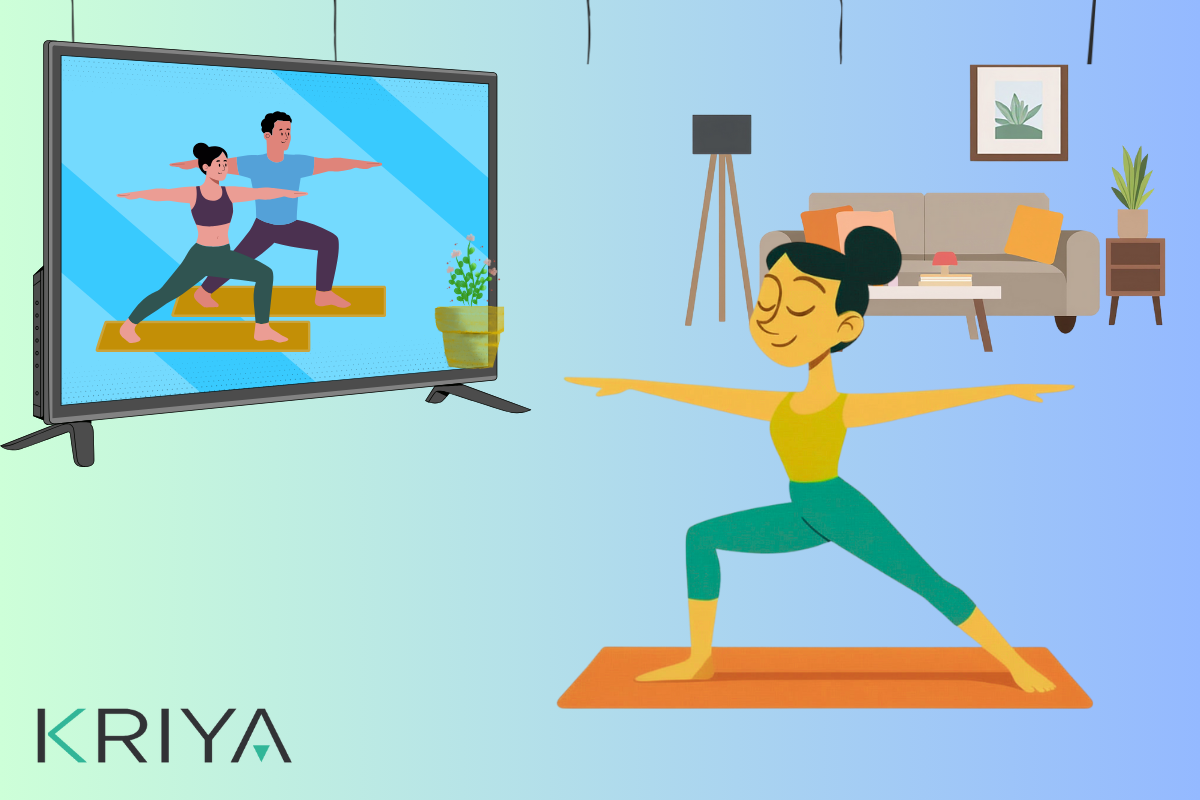
As your mobile device or smartphone is too small to live stream the class, many yoga studio instructors use their laptop or prefer smart TV to stream their training sessions. In fact, smart TV is the ideal device to live stream your classes.
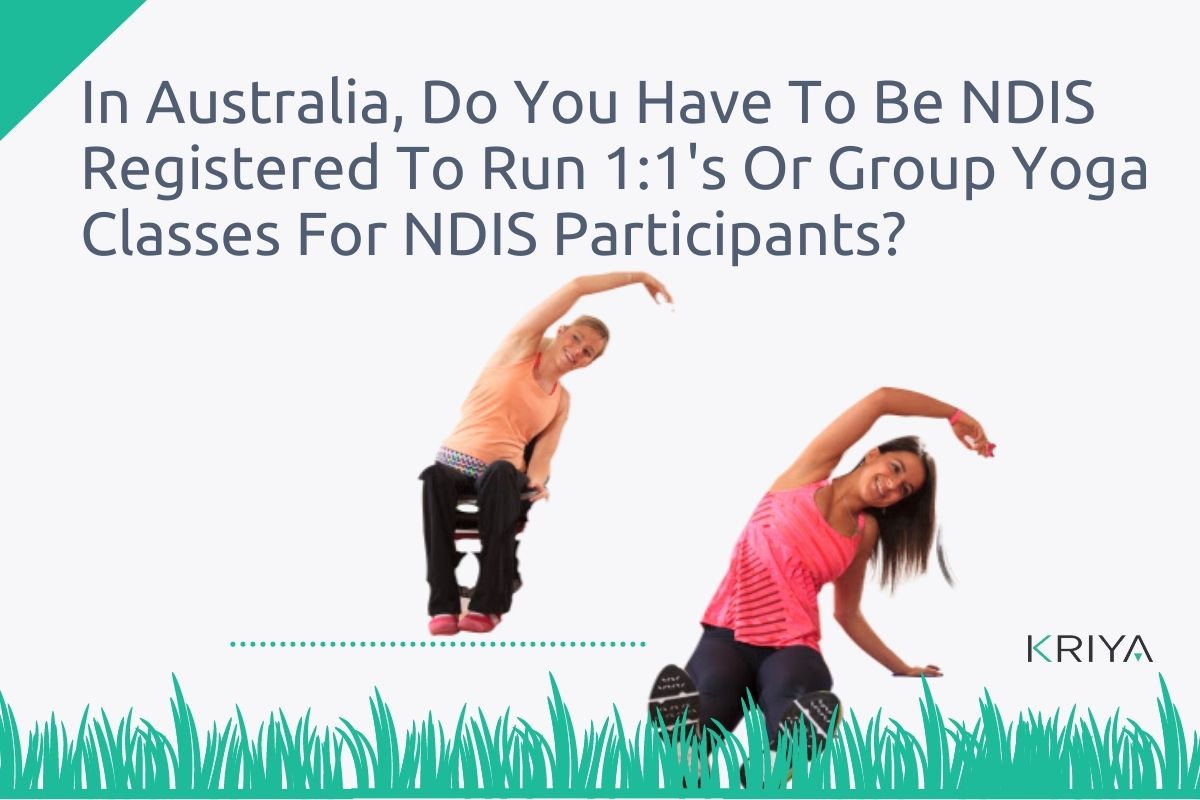
Any individual who is between 7 and 65 years of age is eligible for NDIS. Persons with physical and mental disability can take their services for a yoga class. Also the NDIS supports Yoga group activities.